Compliance Calendar
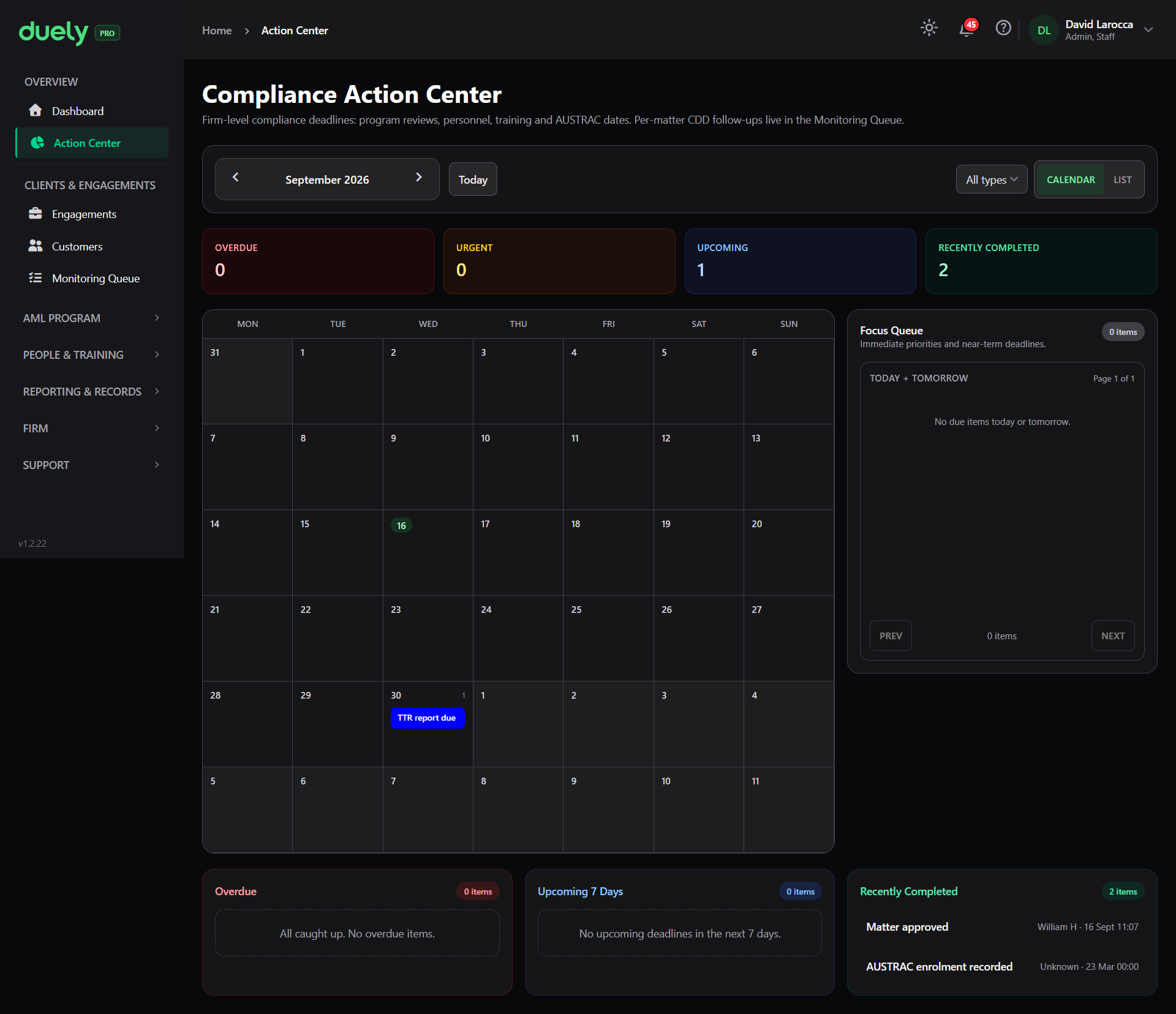
The Compliance Action Center is the Action Center in the sidebar. It answers one question: what is coming due across the firm and its matters, and what is already late.
It exists because most compliance obligations are not triggered by an event you notice. They fall due on a cadence, and the usual failure is not noticing one at all.
What it aggregates
Each entry has a title, a due date, a type, and a link to the screen where the work happens. Firm level items, matter deadlines and report deadlines are merged into the same view.
| Item | Source |
|---|---|
| AUSTRAC enrolment due | Firm |
| PDD review due | Personnel compliance |
| Training due | Personnel compliance |
| Training assignment due | Training assignment |
| AML program annual review | AML program |
| TTR effectiveness check due, and one like it for each check type. The SMR/UAR check is shown to the AMLCO only | Effectiveness check |
| Independent AML program evaluation due | Independent evaluation |
| Matter due | Matter target completion date |
| Partner review: followed by the partner's name | Reliance partner |
| SMR submission due, shown to the AMLCO only | SMR case |
| Document request expires | Document request |
| Baseline expiry: followed by the customer's name | Customer CDD baseline |
| Evidence pack stale | Evidence pack |
| TTR report due, named for the report type | Report record |
The firm level items map onto the obligations covered elsewhere: enrolment to Enrol with AUSTRAC, training to Staff training, program maintenance and evaluations to Review and evaluation, and personnel due diligence to Appoint your AMLCO.
What it leaves to the Monitoring Queue
Per matter follow-up work lives in the Monitoring Queue, which is a separate area. Dated per matter deadlines, such as a matter due date, a baseline expiry or an SMR submission date, also appear on the calendar, but the work of reviewing a customer whose circumstances changed is queued in the Monitoring Queue.
Deadlines fall on a date, so a calendar is the natural shape for them. Follow-up work arises from the state of a specific engagement and a specific customer, so a queue of work is the natural shape for that. Mixing them would produce one list where a training renewal and a customer whose circumstances changed look like the same kind of task, and they are not.
If you are looking for something and cannot find it here, check the Monitoring Queue. The customer side of that is on Onboarding a customer.
How items are surfaced
The Action Center groups items by urgency:
- Overdue, items already past their due date
- Urgent, items due within the next 3 days
- Upcoming, items due after that but within the next 14 days
- Recently completed, so you can see what has been dealt with
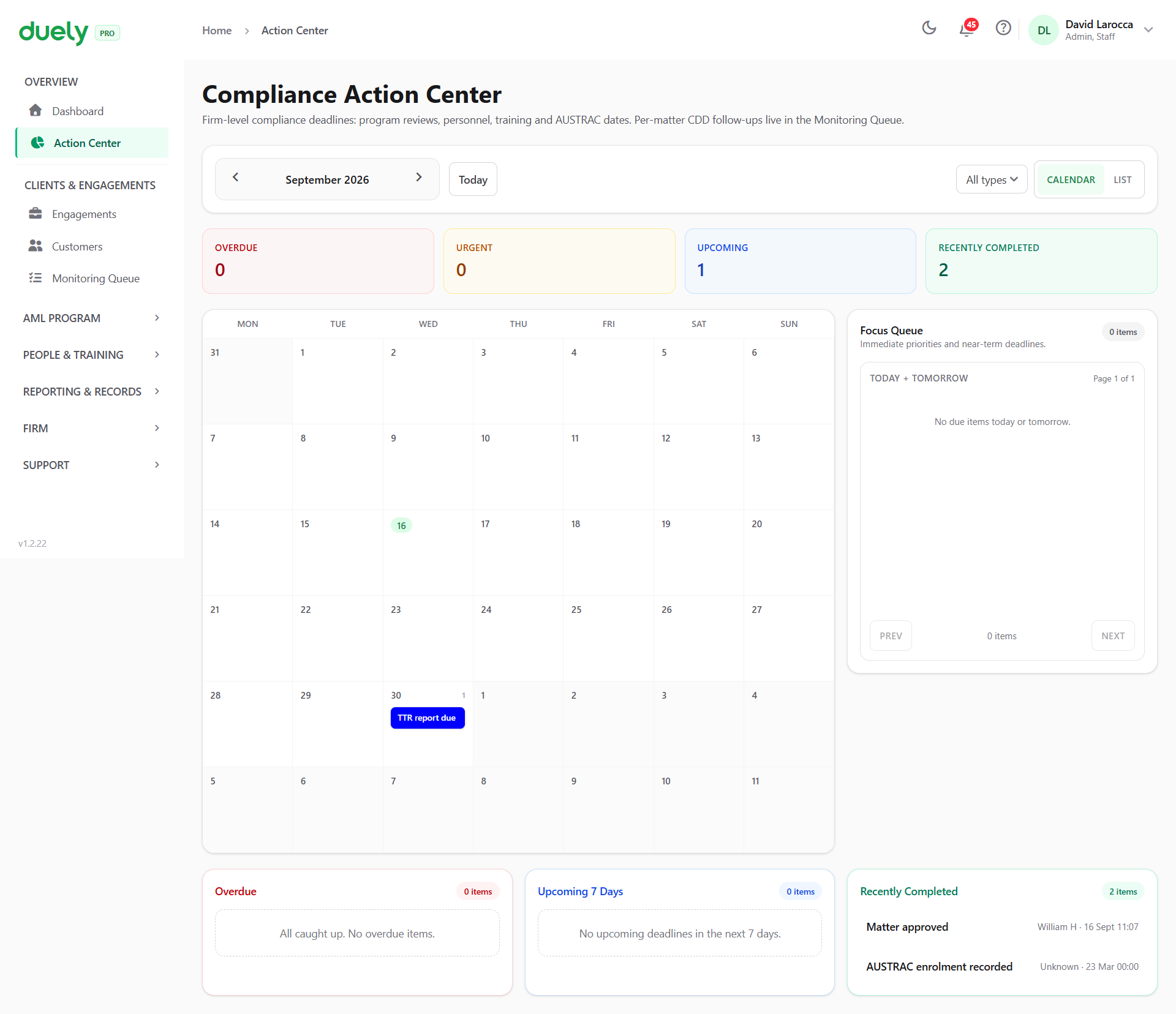
You can switch between a calendar view and a list view, and filter by event type. The calendar shows a month at a time with the days that carry items marked, and the list groups the same entries for working through them.
Each entry links through to the screen where the work happens, so the Action Center is a starting point rather than somewhere you action things directly.
On the AML program review date
The label on this entry can read more strongly than the law does.
The Action Center schedules the AML program annual review twelve months after the approved program's approval date, and labels it that way. The statutory requirement is to review and update the policies at the intervals the Rules specify and in any event at least once every three years.
So the product prompts earlier than the obligation requires. An annual review satisfies a three year minimum, and a firmer internal rhythm is a legitimate choice, but do not read the product's cadence as the legal one. The obligation is on Review and evaluation.
Using it as your deadline answer
The Action Center answers the practical question of tracking deadlines. It is not a substitute for knowing what the deadlines are, and it surfaces only what the product knows about. It cannot surface an obligation nobody has configured, which is why Firm setup and your reporting toggles matter.
Where an item is not appearing and you expect it to:
- Check the underlying record exists. Training due comes from the next training due date on the person's personnel record, while Training assignment due only appears once training has been assigned. A program review only appears once a program has been approved.
- Check the item type filter is not excluding it.
- Check whether it is per matter follow-up work, which belongs in the Monitoring Queue rather than here.
Related pages
- First 30 days, for the setup sequence that puts items on this calendar.
- Review and evaluation, for the program review and evaluation obligations.
- Staff training, for the training records behind the training items.
- Reporting, for the reporting deadlines, which are tracked on the report records and also appear here as report due items such as TTR report due and, for the AMLCO, SMR submission due.