Using Duely Overview
This section teaches the product. The Obligations section teaches the law. Knowing which one you want saves time.
Which section to reach for
| You want to know | Go to |
|---|---|
| What the law requires of a reporting entity, and why | Obligations |
| Which button to press, and in what order | This section |
| Who can do a thing, and what each role can see | Roles and permissions |
| Where a screen lives in the navigation | Platform Tour |
Pages here link back to the obligation they serve, rather than repeating the legal reasoning. Where a step exists because a rule requires it, the link is in the page. Where a step exists because that is how the workflow is built, it is described as product behaviour.
What this section covers
Five workflows, in the order most firms meet them:
- Firm setup: the firm profile, your vertical, the statements you must accept before checks can run, and your reporting toggles.
- Program builder: the guided wizard that produces your AML/CTF program, and what gates approval.
- Onboarding a customer: adding a customer to the firm register, and recording the structure behind an entity.
- Creating a matter: opening an engagement and recording the scoping decision.
- Verifying identity, Screening, Evidence packs, Filing a report, and the Compliance calendar, which follow the first four.
How the workflows relate
The order below is a dependency order. Two things block what comes after them: a firm cannot run identity or screening checks until the firm setup statements are accepted, and a matter cannot be scoped until the firm has a published AML/CTF program version. Everything else can be done in whatever order suits how you work. In practice most firms add the customer first and then open the engagement, which is the order the pages below follow.
Set the firm up
The firm profile, vertical, and reporting toggles determine what the rest of the product offers you: which policy templates the program builder uses, which designated services appear in the catalog, and which report types are available.
The firm setup statements are also a hard gate. Until they are accepted, identity verification and AML screening are refused for the whole firm, including by a direct API call.
Produce the program
The program builder walks through risk, personnel and governance, customer due diligence, and program maintenance. Approving it produces a versioned document, and that version is what every later scoping decision is pinned to. Matter scoping cannot be recorded without it.
Run the work
Open a matter, scope it, bring in the customer, verify and screen them, assess the risk, and carry the engagement through to approval and an evidence pack. This is the part most users spend their time in, and it is where the [customer due diligence](/docs/obligations/customer-due-diligence) obligation is discharged.
Where the product stops
Know these limits before you start, so a boundary does not read as a bug:
- Duely prepares the report record, and the firm lodges with AUSTRAC. There is no submission rail, and none is planned.
- Monitoring is customer level. Duely raises reviews when a customer's circumstances change. It does not watch a feed of payment transactions.
- The suspicion judgment is human. Duely holds the record and controls who can see it. A person decides whether a report is required.
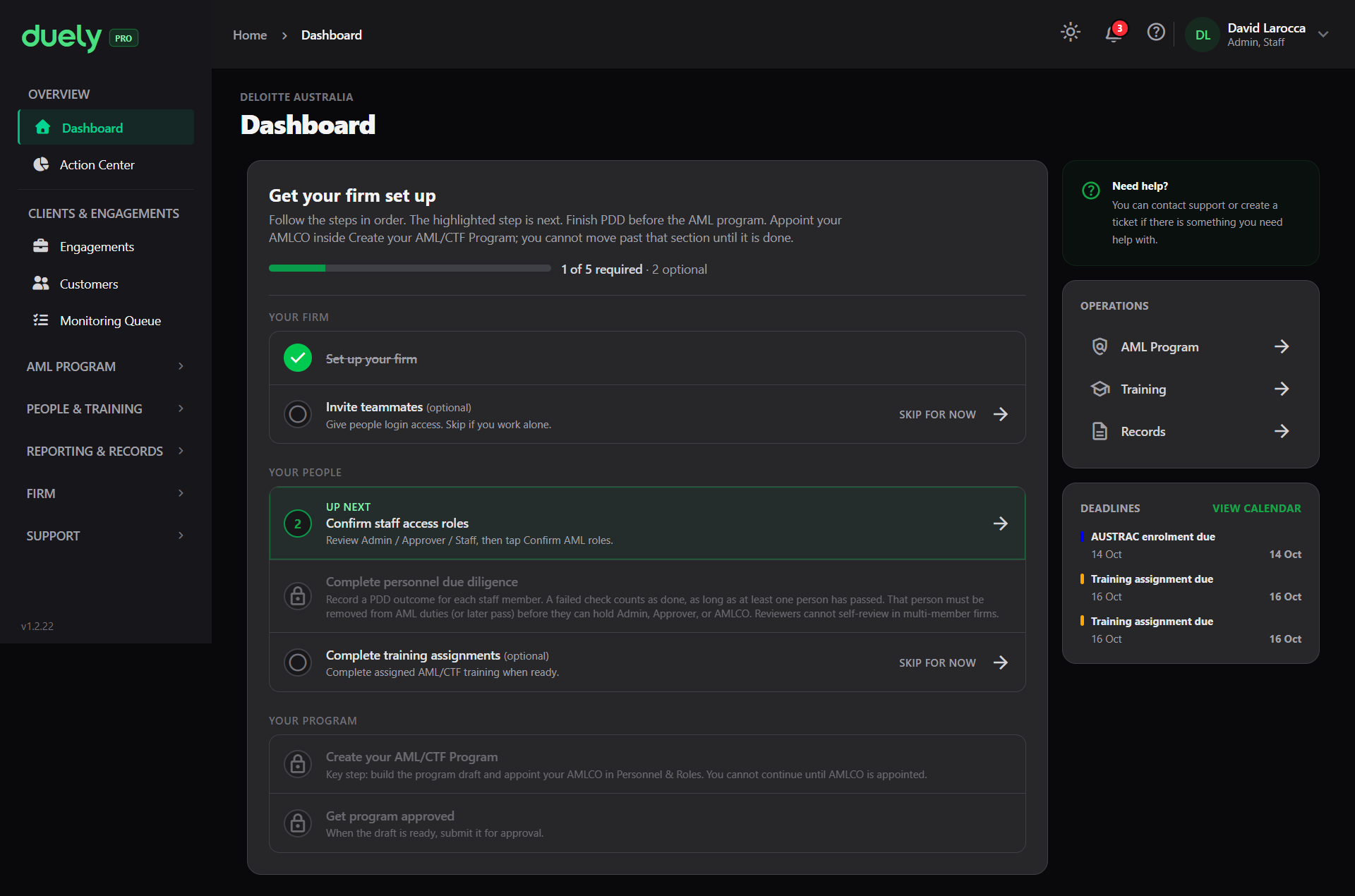
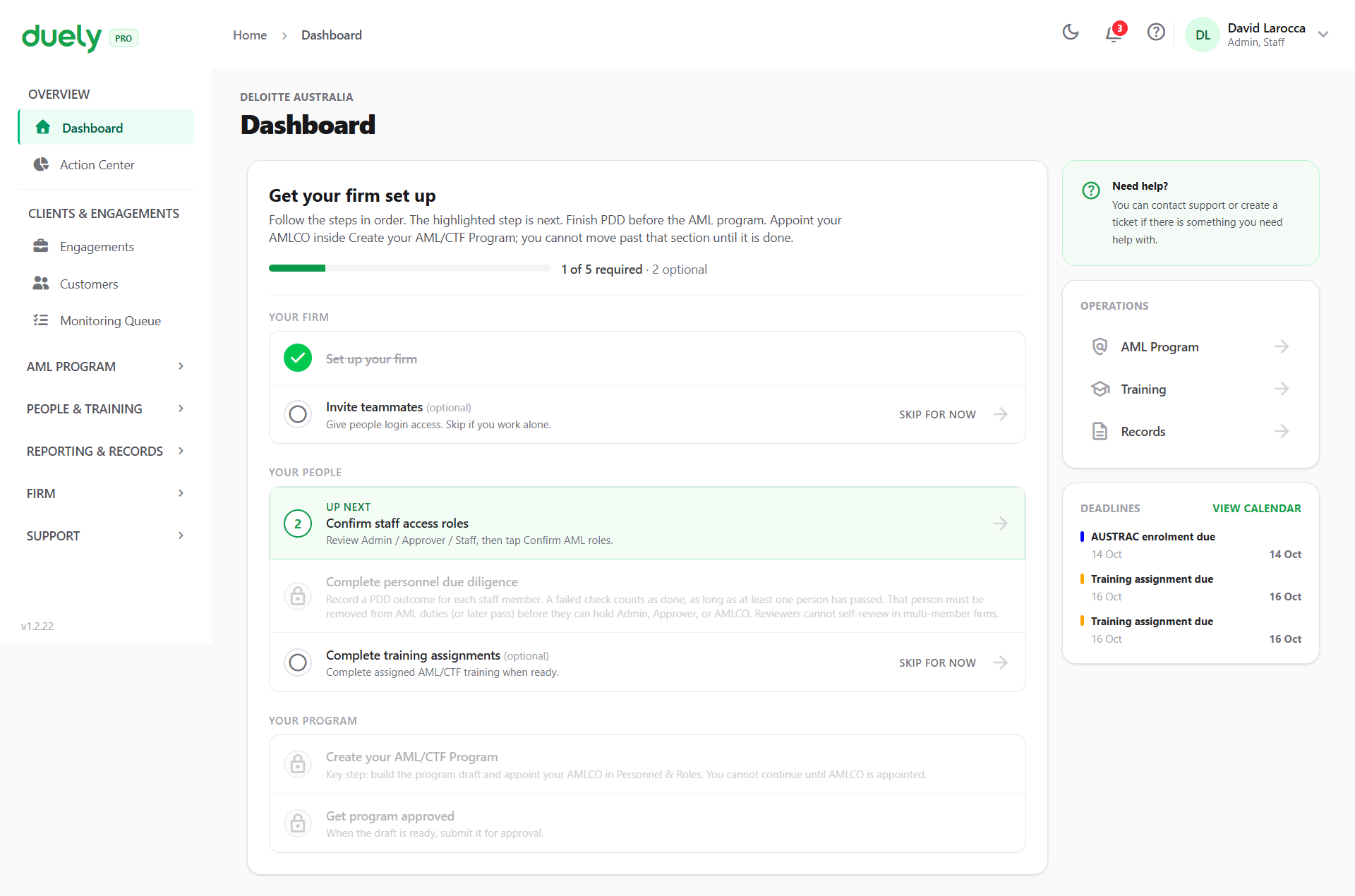
What a page in this section gives you
Each page follows the same shape:
- Where to find it: the sidebar location and the screen it lives on.
- The steps, in order: each meaningful step is its own subsection, with a screenshot placeholder showing the screen you should be looking at.
- What gates progress: the conditions the product enforces, and what to do when you meet one.
- What comes next: where the workflow leads, and the page that covers it.
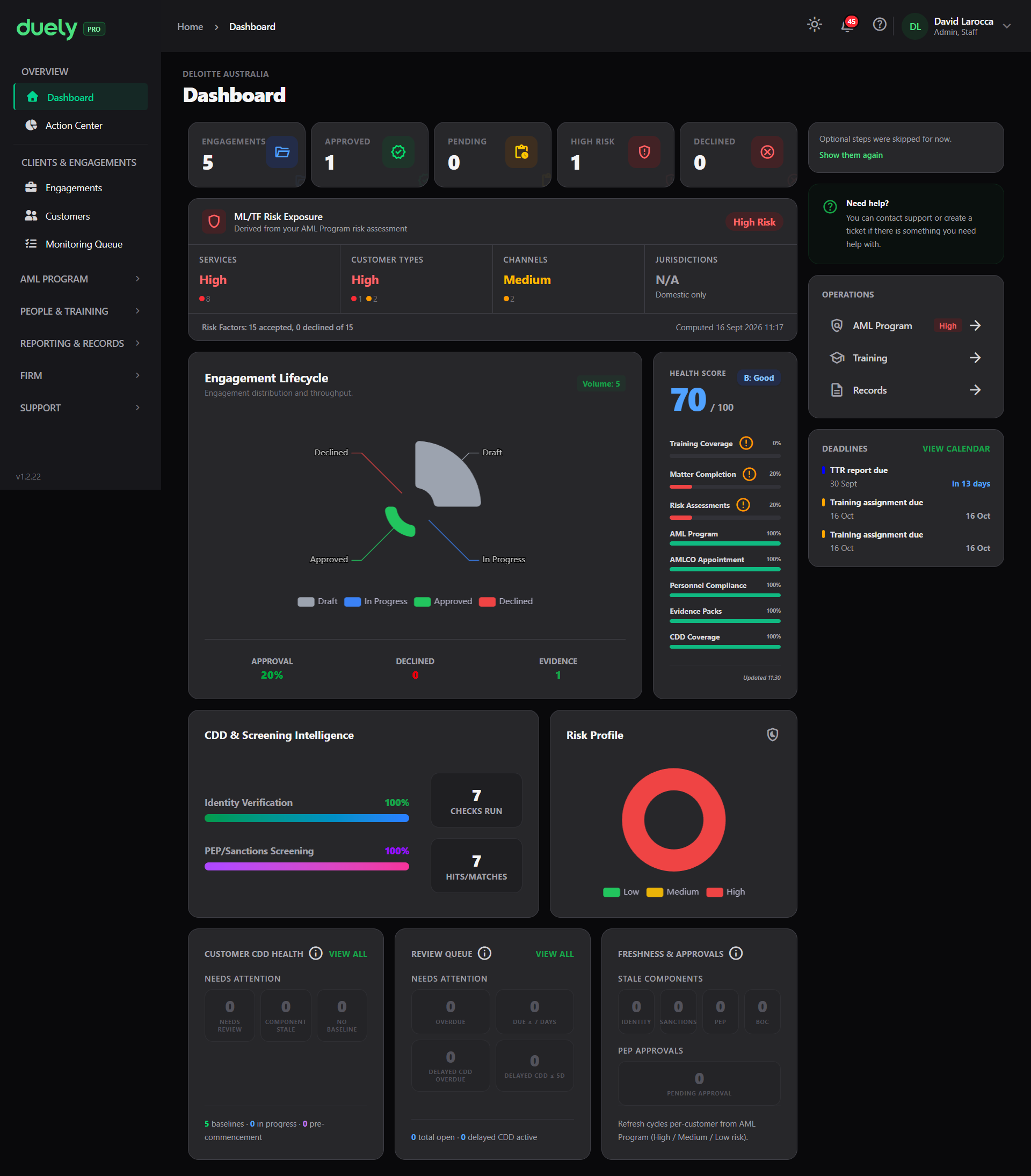
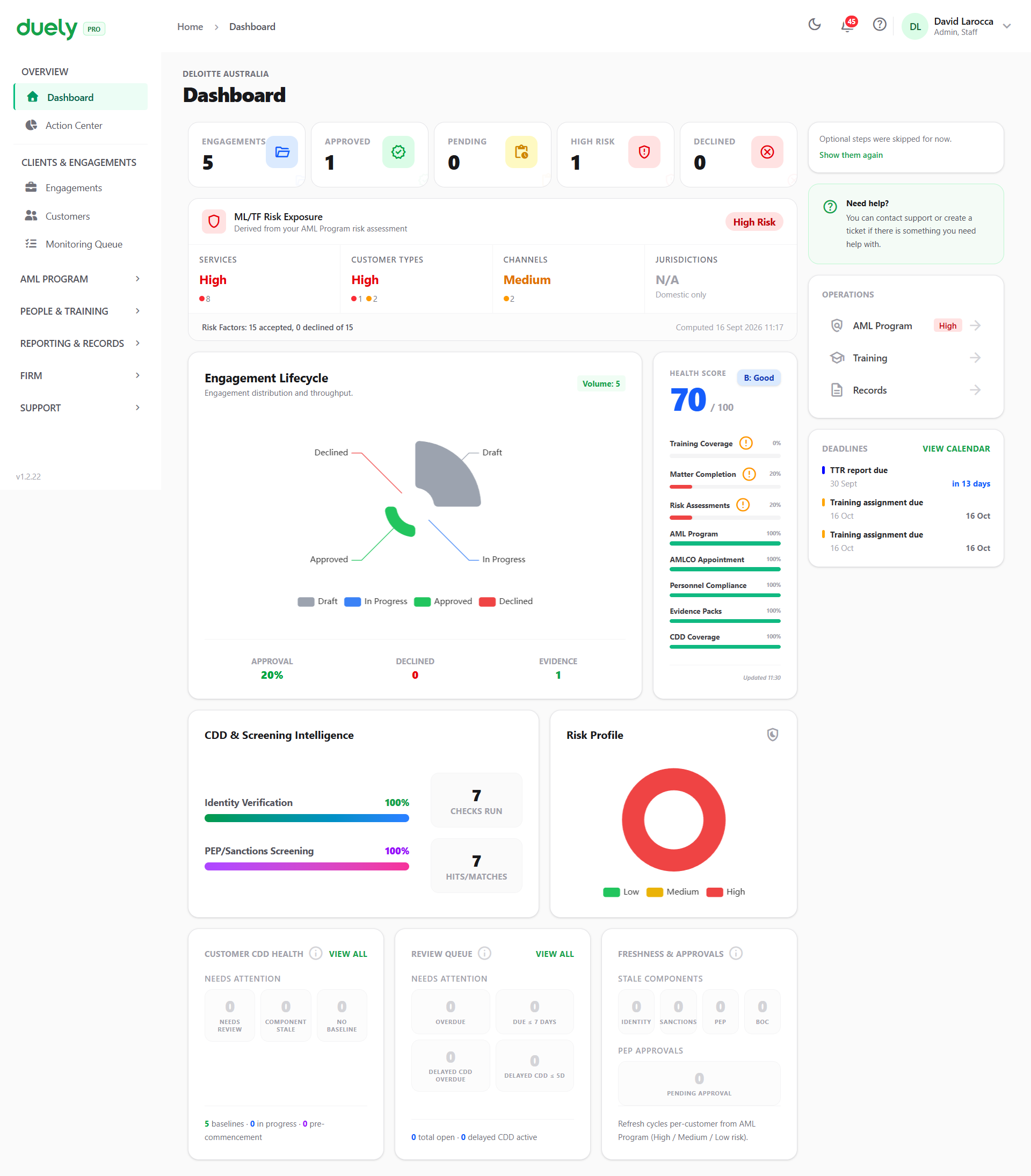
Related pages
- Obligations, for the legal requirement behind each workflow.
- First 30 days, for the high-level setup sequence this section then details.
- Platform Tour, for where each screen lives.