Your AML/CTF program
The program builder turns your answers into your firm's ML/TF risk assessment and the AML/CTF policies that respond to it. You work through it as the account owner, and a senior manager named in the program approves it.
Why this matters
A firm must have an approved AML/CTF program before it provides a designated service, because the program is the standard the firm is held to. The law requires a senior manager to approve it, and the program has to set out the risk assessment and the policies that respond to it. See Build your program for what it must contain.
Before you start
Appoint your AMLCO. Decide who your governing body and senior managers are, and have your services, the kinds of customer you act for, the countries involved and your engagement terms to hand. If you are not a senior manager named in the program, one of the named senior managers approves it.
The setup screen estimates about 15 minutes. For what each section asks and how to answer when you're not sure, read Answer the program questions first.
Steps
- Work through the seven sections in order: Services and customers, Countries and risk appetite, Overall risk, People and governance, Customer checks, Reporting and offboarding, and Review and approve. Select Save and continue in each section. Answers save as you go, and you can reopen a finished section from the rail until the program is approved.
- Some questions offer Take on or Decline for a country or a risk factor. Each answer shows you one line of what the program will say, and the full wording is readable but not editable.
- In People and governance, name your governing body and your senior managers, and answer the approval questions. The program names the people who can approve it.
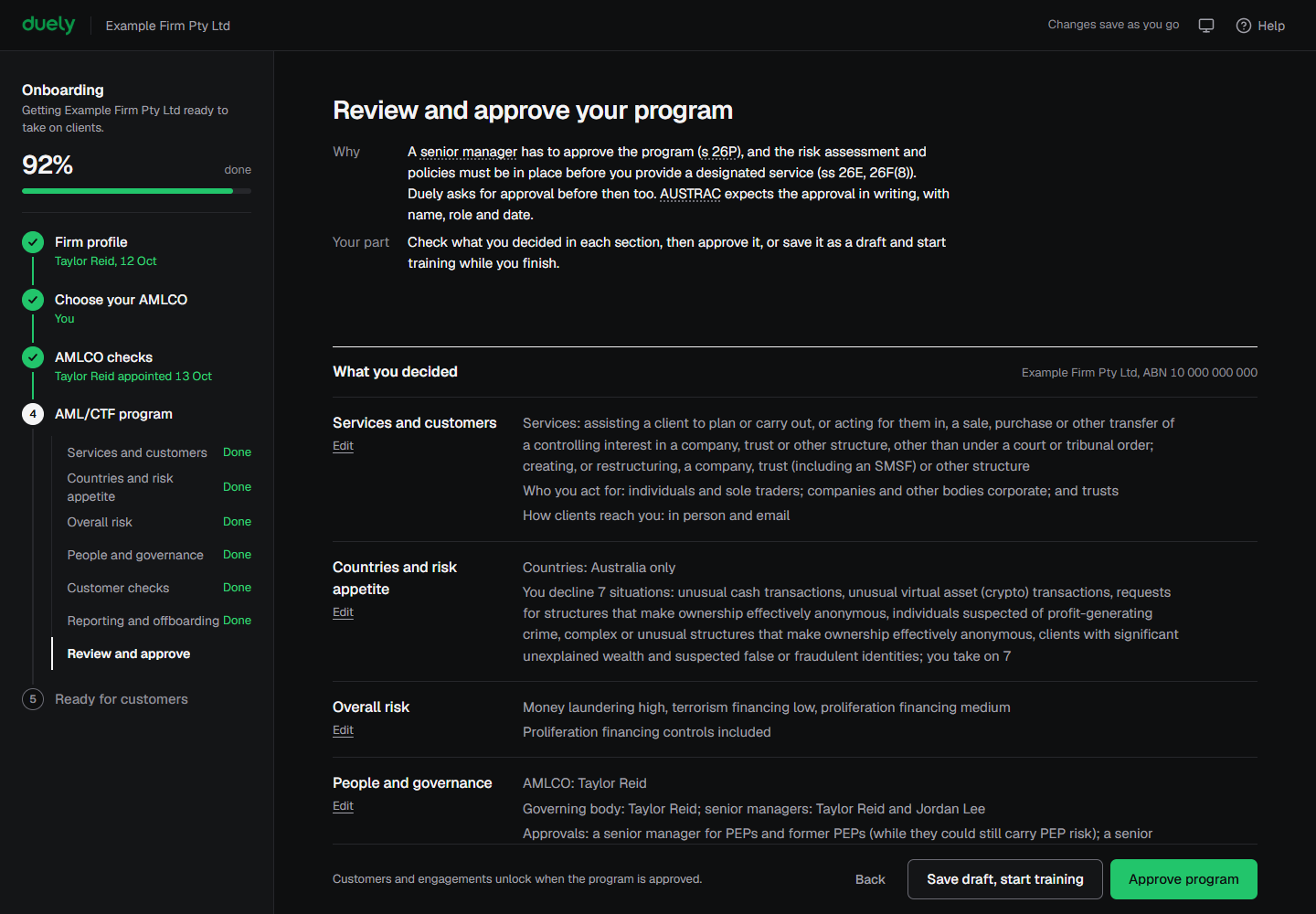
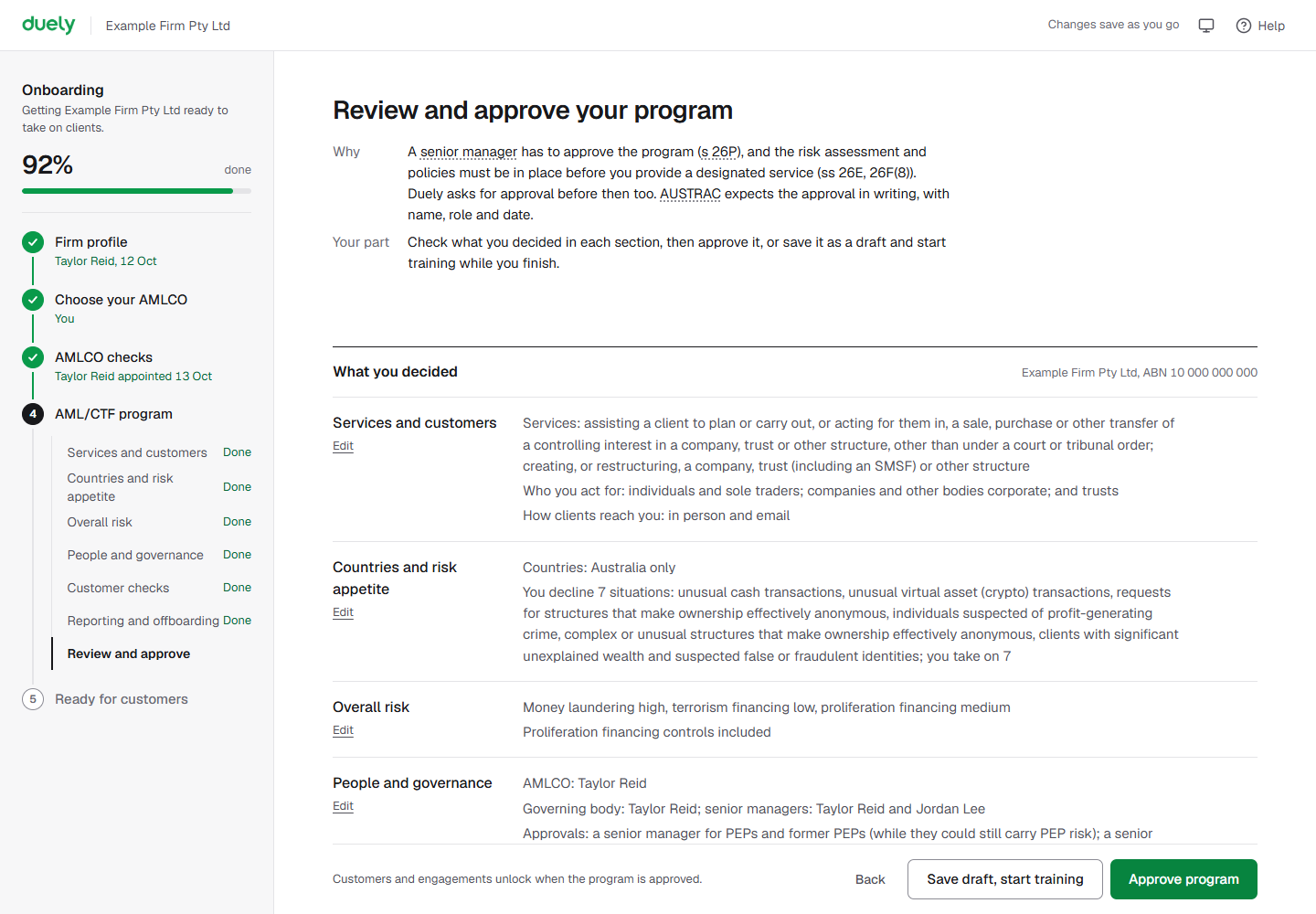
- In Review and approve, read What you decided, and open Read the full program wording for the whole document.
- If you are a senior manager named in the program, complete Approval. Your Name is shown, you enter Your role, and you tick the approval statement, which reads "I am a senior manager of your firm's legal name, and I approve this ML/TF risk assessment and these AML/CTF policies." Unless the approver is the whole governing body, you also tick that you will give the governing body a copy in writing. Then select Approve program.
- If you are not a named senior manager, the screen says Only a senior manager named in the program can approve. Choose the Senior manager, enter Their email, and select Send approval request. The screen shows Waiting for that person until they approve. They sign in, read the program and approve it, and you can leave the page.
- To stop with the program unfinished, select Save draft, start training. The dialog Save your program as a draft? explains that you can train your team meanwhile, and that until a senior manager approves the program your firm must not start providing designated services to anyone, in Duely or outside it. Select Save draft to confirm.


What Duely checks
- Every section needs its answers before the next one can be reached, and approval needs all seven. The approval screen links to each section that is still incomplete.
- Only a senior manager named in the program can approve. Anyone else can send them an approval request.
- If you told Duely your firm is part of a group of businesses, the program cannot be approved here.
- An approved program is read-only. A change is made as a new version and approved again.
- Customers and engagements stay locked until a senior manager approves the program.
What happens next
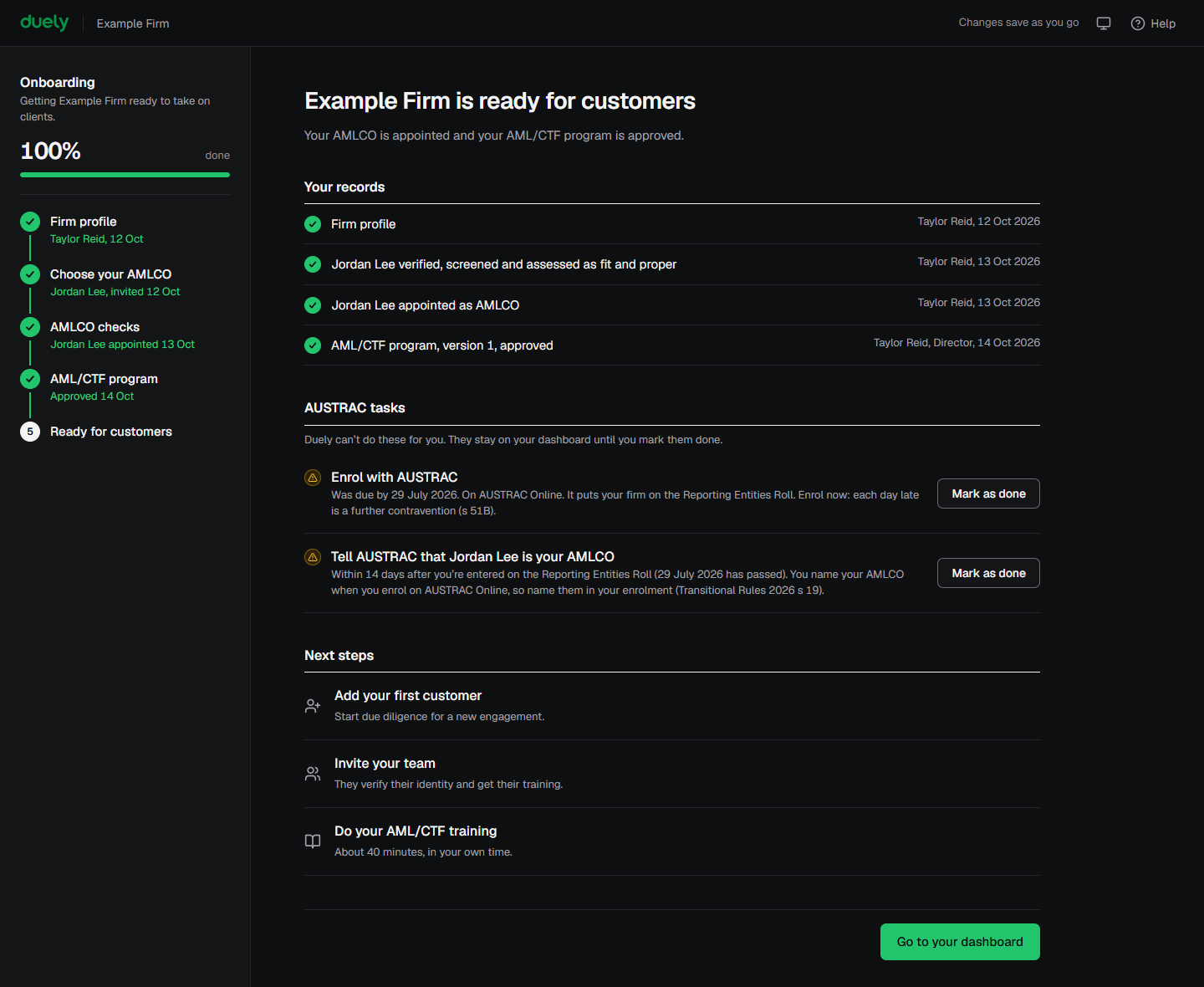
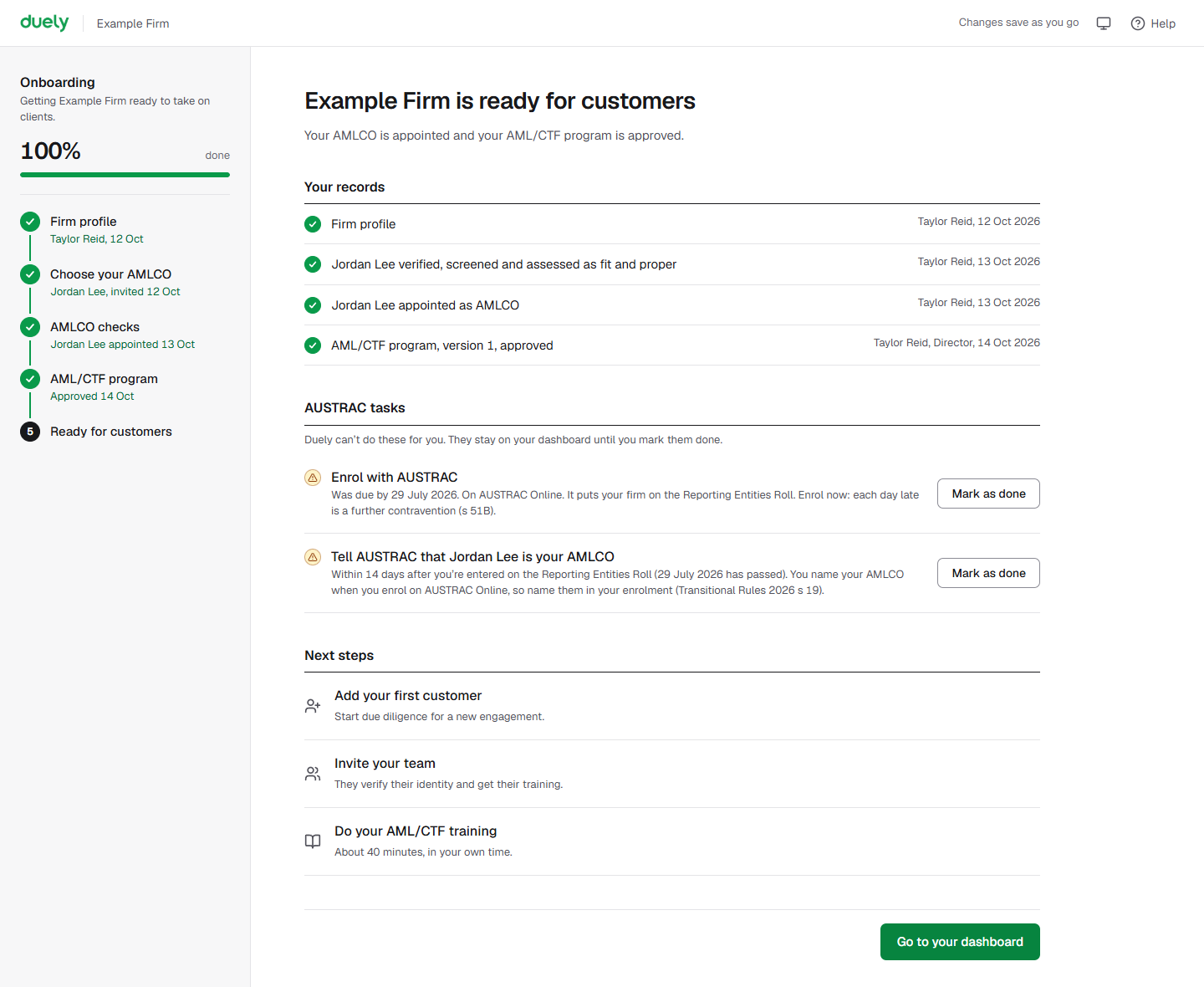
After approval, the final screen confirms your firm is ready for customers. It lists Your records: the firm profile, the AMLCO verified, screened and assessed as fit and proper, the appointment, and the approved program. It also lists any AUSTRAC tasks with a Mark as done button, and three Next steps: Add your first customer, Invite your team and Do your AML/CTF training. Select Go to your dashboard when you are done.
If you saved a draft instead, Duely opens training-only mode. Training, Team, Help, Billing and Settings are available, and a banner links back to the program. Customers and engagements stay locked until the program is approved.
From there, Home and tasks is where the work starts. Your approved program is readable on Read your program. You can bring people in through Invite people, run their checks with Personnel due diligence, and start with Take a course.
The law
Last updated: 14 October 2026
These pages are general information about the Duely product and the AML/CTF obligations it supports. They are not legal advice and do not cover your firm's particular circumstances.