Choose your AMLCO
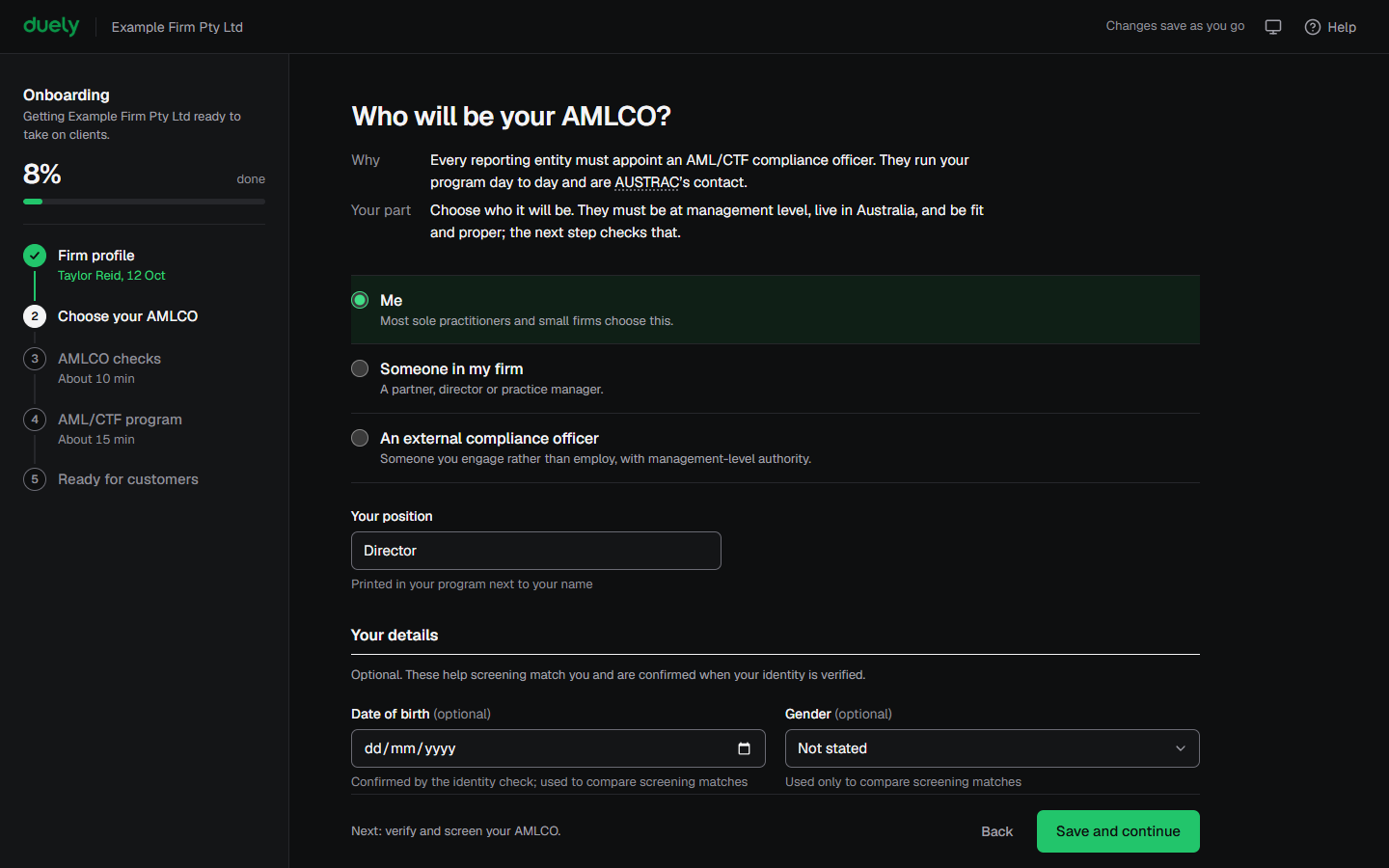
The Who will be your AMLCO? screen starts the due diligence for your AML/CTF compliance officer. You run it as the account owner. If the AMLCO is someone else, they complete their part on their own device, from the link Duely emails them.
Why this matters
The law requires every reporting entity to have an AML/CTF compliance officer, and the firm has to satisfy itself that the person is fit and proper before appointing them. The checks on this screen are how the firm does that, and the appointment starts its own clock for telling AUSTRAC. See Appoint your AMLCO.
Before you start
Save your Firm profile. Decide whether the AMLCO will be you, someone in your firm, or an external compliance officer. The AMLCO must be resident in Australia and work for your firm at management level, so check that first.
- If it will be you, have a photo ID document such as a driver licence or passport, and a phone with a camera for the selfie. Allow about 10 minutes. Read the questions on You've been asked to be the AMLCO: you answer the same ones about yourself.
- If it will be someone else, have their full name, email address and position, and tell them the email is coming. Send them You've been asked to be the AMLCO, which walks them through their part.
Steps
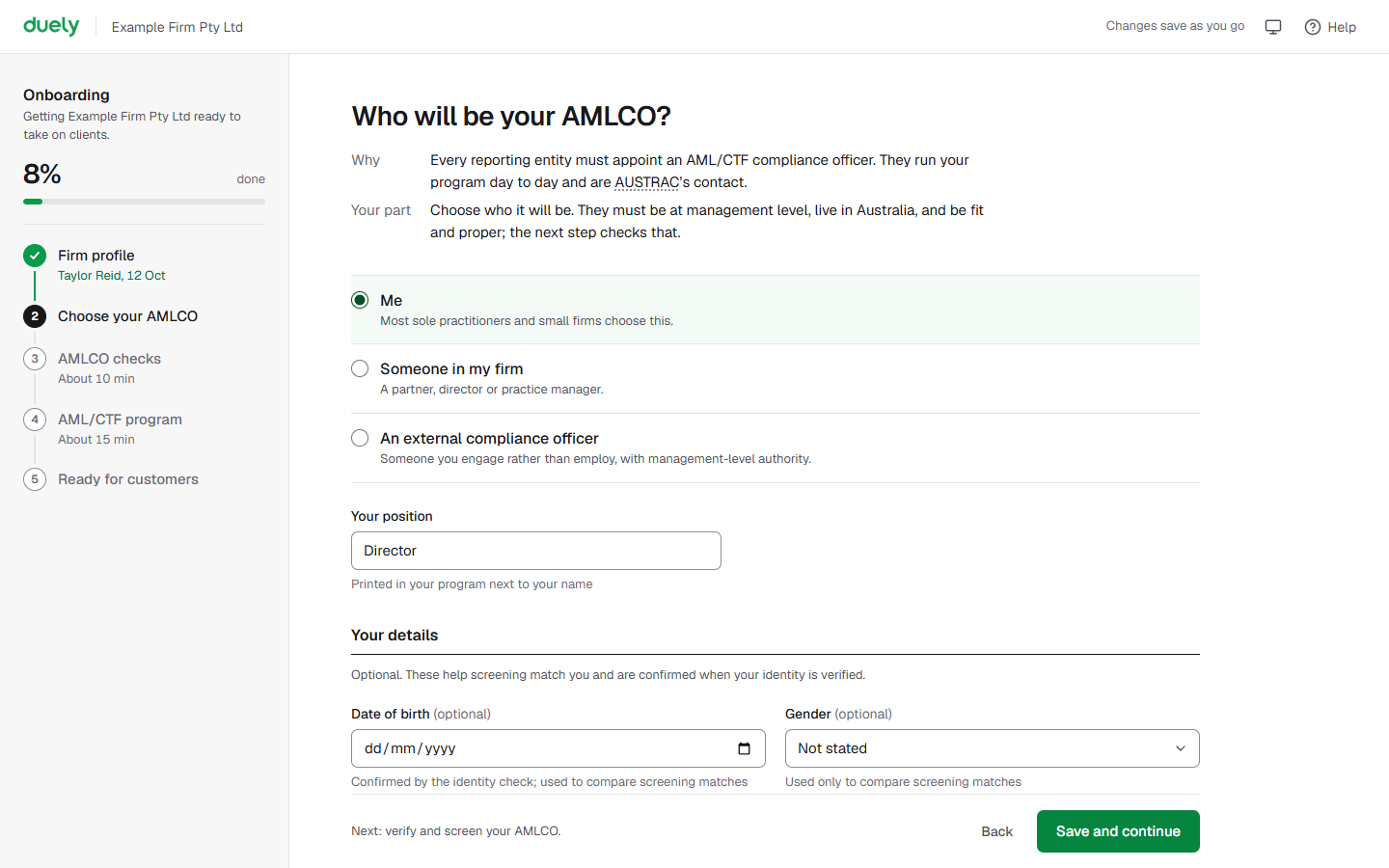
- Choose Me, Someone in my firm or An external compliance officer. The screen's prompt is Who will be your AMLCO.
- If your firm is enrolled with AUSTRAC, the screen also asks whether you have told AUSTRAC that this person is your AMLCO. Answer Not yet if you haven't; the task is added to the end of setup.
- If you chose Me, enter Your position, for example Director or Principal. Under Your details you can add a date of birth and gender; they're optional and help screening match the right person. Then select Save and continue.
- If you chose someone else, complete Full name, Email and Position, and for an external officer Company. Message is optional and is added to the invitation email. Select Send invitation. The person joins as an Approver.
- They receive an email with a link. They agree to be verified and screened, verify their identity with a document and a live selfie, then answer the questions about themselves.
- The Identity stage shows Waiting for them. You can leave the page and come back later: Duely returns you to this step, and it updates when they finish. Resend link sends a new link if they need one, and the old link stops working.
- If they haven't received the email, check the address you entered and ask them to look in spam and junk. See An email did not arrive.
- If they select I'm not the right person on their page, the Latest line under Identity says so. Select Choose someone else.
- While you wait, you can't move on to the program. That step needs an appointed AMLCO.
- If the wrong person was chosen, select Choose someone else.
- Under AMLCO checks, work through Identity, Screening, Fit and proper and Decide and appoint. Each finished stage collapses to a one-line summary.
- Identity. Duely Verify runs the document and selfie check. If you are the AMLCO, scan the QR code with your phone or select Use this computer instead. The record shows the Result, Method, Date of birth and the date verified.
- If verification does not succeed, the firm can verify manually with a recorded reason. Upload Certified copies of two identity documents, record the Date of birth on the documents, the Documents sighted, and Why the electronic check couldn't be used, then select Record manual verification. Anyone in your firm who manages people can record it.
- Screening. Screening covers sanctions, PEP, criminal and adverse media sources. For each possible match, record whether it is Not that person or It's them, and give a reason. The reason goes on the record.
- A confirmed sanctions match means Suitable is not offered, and the appointment cannot proceed with that person.
- Fit and proper. Answer the eligibility questions and the seven considerations. The screen says this is not a pass or fail test: if something applies, say so and explain it.
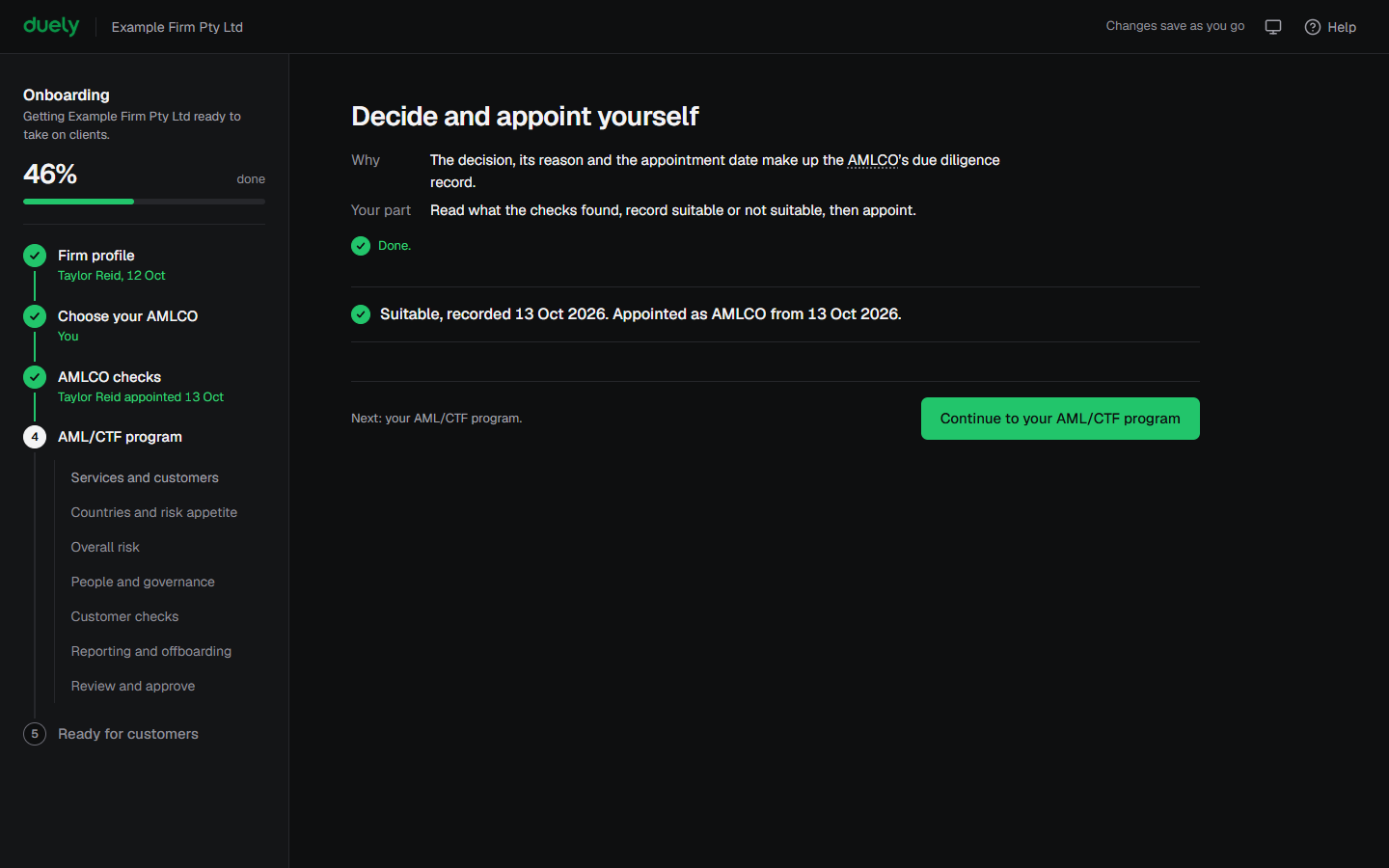
- Decide and appoint. Record Suitable or Not suitable, with a reason where something needed addressing. If you are the AMLCO, tick I have considered each point honestly. A Suitable decision also needs the statement that the firm will give the AMLCO the authority, independence and access to resources and information the job needs.
- Select Record decision, then the Appoint button, and confirm with Appoint. The appointment date is today.
- If the decision is Not suitable, Duely returns to the choice screen with the name, date and reason. Choose someone else, or an external compliance officer if nobody in your firm can take the role.
- If an AMLCO is already appointed and you choose again, the dialog offers to Keep the current person or End appointment and continue. Choosing again ends the current appointment, and the new person goes through the checks.
What Duely checks
- Eligibility: the person must be a resident of Australia and employed or engaged by the firm at management level. Someone who does not meet both cannot be appointed.
- A confirmed sanctions match blocks the appointment, so Suitable is not offered on the decision stage.
- The appointment action is not available until the decision is Suitable.
- The record holds the decision, the reason, who recorded it and the date.
What happens next
The AMLCO is appointed and Duely moves to Your AML/CTF program. AUSTRAC must be told within 14 days of the appointment. Duely reminds you at the end of setup, and the task stays on your dashboard until you mark it done. The appointment duty is covered on Appoint your AMLCO.
The law
Last updated: 14 October 2026
These pages are general information about the Duely product and the AML/CTF obligations it supports. They are not legal advice and do not cover your firm's particular circumstances.